
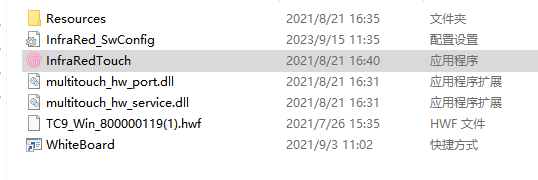
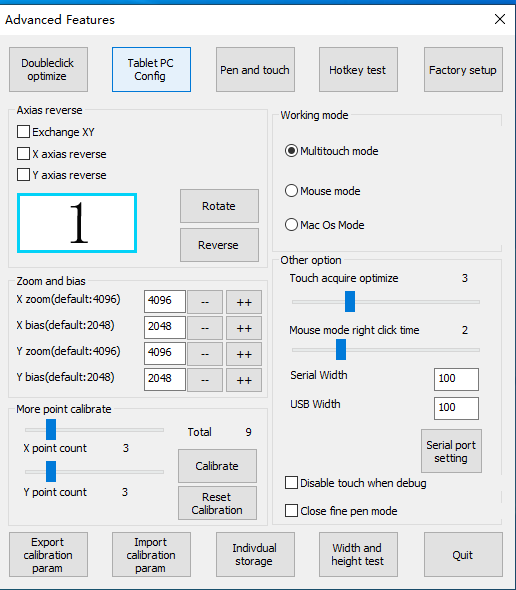
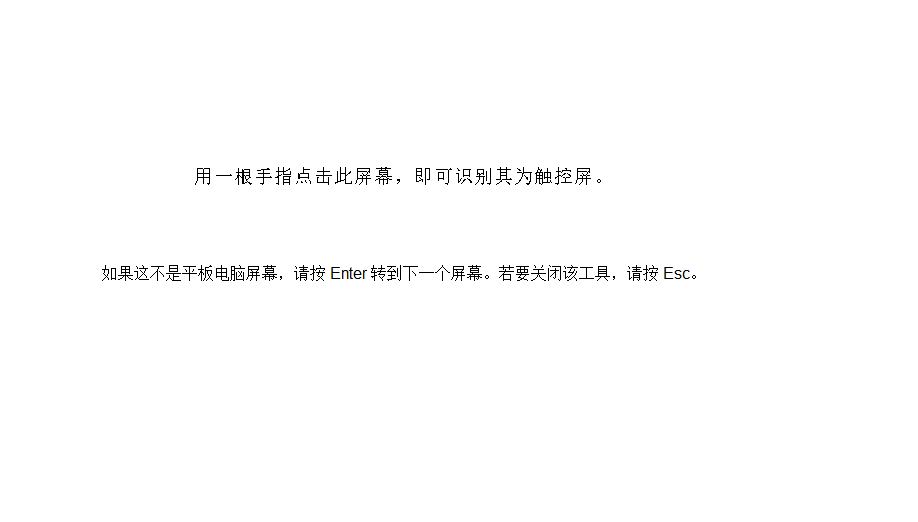
If a computer has 2 or more monitors, you need to calibrate the touch screen as follows:


Video:
If a computer has 2 or more monitors, you need to calibrate the touch screen as follows:
Video:
If the touch is not accurate, you can calibrate it with infrared configuration software 1.open the infrared configuration software.(Double click InfraRedTouch) 2. Click “Equipment Calibration” 3. Place your finger in the center of the cue point until it prompts the next point video of calibration the touch screen:
You can check the signal of the infrared touch frame through the infrared configuration software, and you can judge whether the correct installation is based on the signal 1.Open the infrared configuration software 2. Click “Signal Testing” 3.If you get the following signal, it means that the signal is good, and there is no problem…
1、Open the package and you’ll get 4 borders and an accessory pack (the FPC wire is just a spare) 2、On the horizontal desktop or the ground, place the four borders in a long square shape according to the following figure, and connect the connecting line at corner B (the metal side of the line faces…